Using Steady
What a GLP-1 tracker can help you organize
A GLP-1 tracker is a place to organize the information you choose to record about your routine. Its practical value starts with a straightforward question: can you find a dated entry when you need it? Steady brings several kinds of self-recorded information together in its iPhone app, with a PDF sharing option when you want a readable summary.
Keep different observations in one record
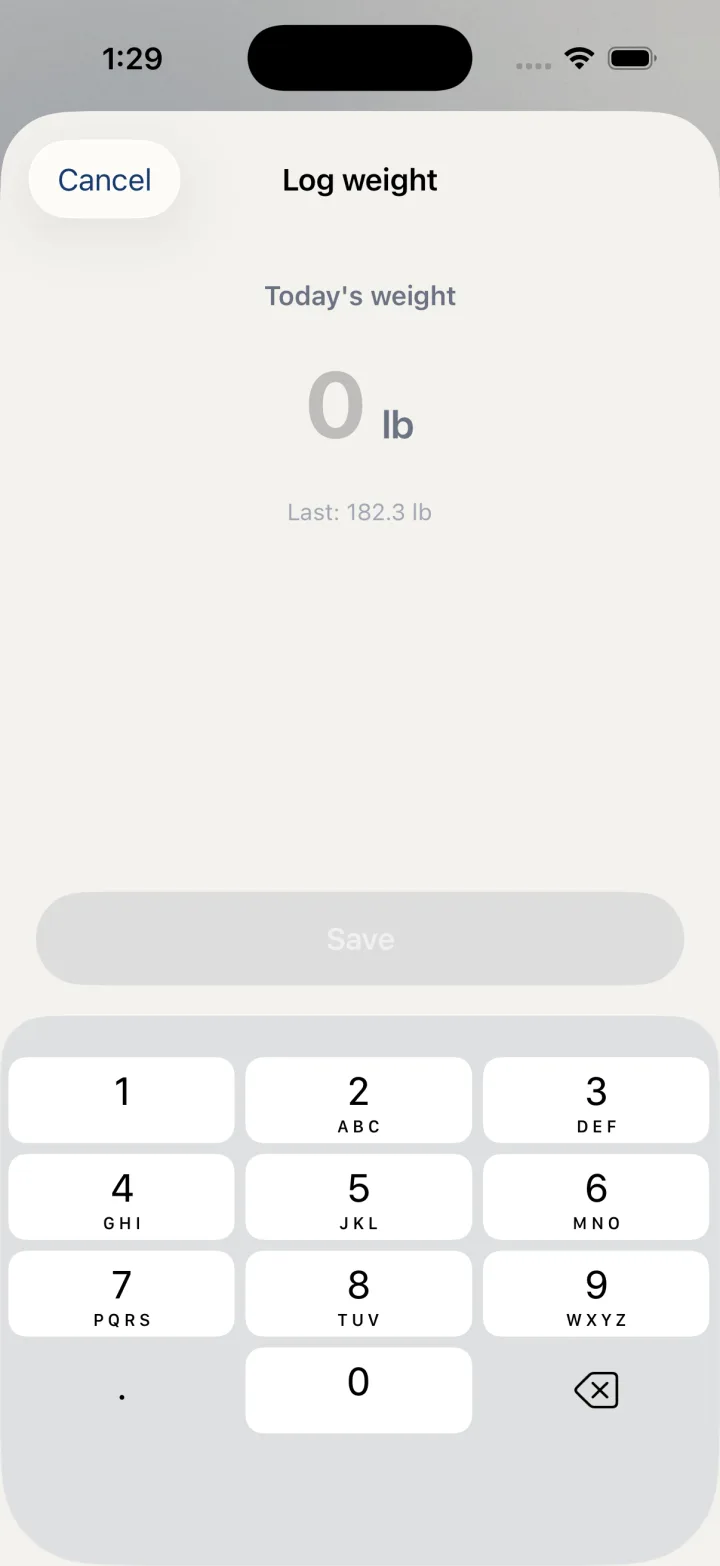
A weight entry and a symptom note answer different questions. A useful record can keep both without treating one as an explanation for the other. In Steady, the quick logging menu includes Log weight, Log food, Log water, Daily check-in and Log a symptom, alongside dose logging. You can choose the entry that matches what you want to record rather than trying to squeeze every observation into a single note.
For example, you might record a weight measurement when you take it, add a water entry later and complete a daily check-in at another point in the day. These remain things you entered. A chart does not establish why a change happened, and an app cannot fill in observations you never logged.
Find depth in Track
The Body row opens a screen titled Progress. Scroll there to find the Weight card.
The Track tab separates dashboards from tools. Body brings together weight, measurements, photos and trends. Water has today’s logged amounts and a seven-day view. Bloodwork provides a place for supported lab values from reports you already have. History brings logged entries into a timeline.
This organization lets you start with the task rather than a medical conclusion. If you want to check what you entered, open the relevant dashboard or History. If you want to record a number from a lab report, compare its marker and unit with the manual entry form before saving it. Reference intervals in the app do not replace the original report or a clinician’s interpretation.
- Use the logging menu for a new entry.
- Open Track to review the relevant dashboard.
- Keep original reports and other source documents for reference.
Share a summary on your own terms
Steady’s native export screen includes Save or share PDF. The generated personal record summarizes self-entered information such as doses, weight and symptoms. Review it before choosing a destination in the system share sheet. Creating the file is separate from sending it to someone.
A PDF is a readable snapshot, not a complete backup for restoring the app. Steady also offers Backup & restore for supported local records. Restoring a backup replaces the current local record rather than merging it, so those two tools serve different purposes.
Understand the platform and privacy boundaries
The iPhone record is stored locally by the native app. Some optional actions can involve other destinations, including Apple Health when enabled, a destination you choose for an export, or separately consented services. Local storage does not mean every possible feature keeps every piece of information exclusively on the phone.
Steady’s web account has a separate account-based storage model. Do not assume that signing in to a web account transfers the native iPhone record, or that every iPhone screen described here exists on the web. If native-to-web continuity is essential to your routine, verify that exact workflow before depending on it.
Before you rely on this workflow
- Steady records observations and does not direct treatment or establish causes from trends.
- Screens show a demo iPhone app; controls can vary with your installed version.
- A shared PDF and a restore backup are different outputs.
Read the Privacy Policy for storage and connected-service details. These instructions describe product controls and recorded observations, not treatment decisions.
Keep working with your record
Save and share your record · Choose a GLP-1 tracker · All Steady guides
Explore Steady